 emulsion
01 / CAMERA
The look is live in the viewfinder—what you see is what you get.
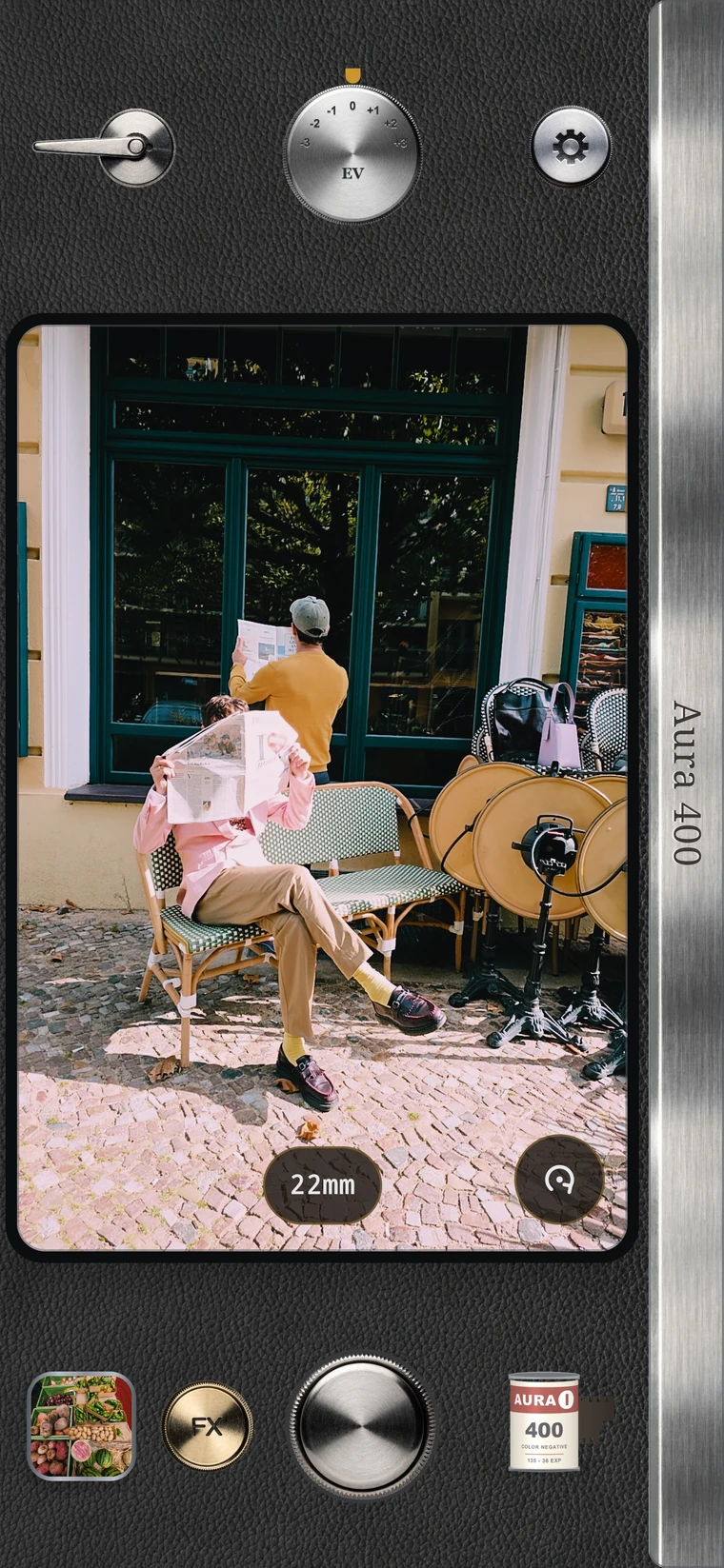
The look is live in the viewfinder—what you see is what you get.
Warm portrait colour, vivid landscapes, tungsten nights, classic black-and-white.
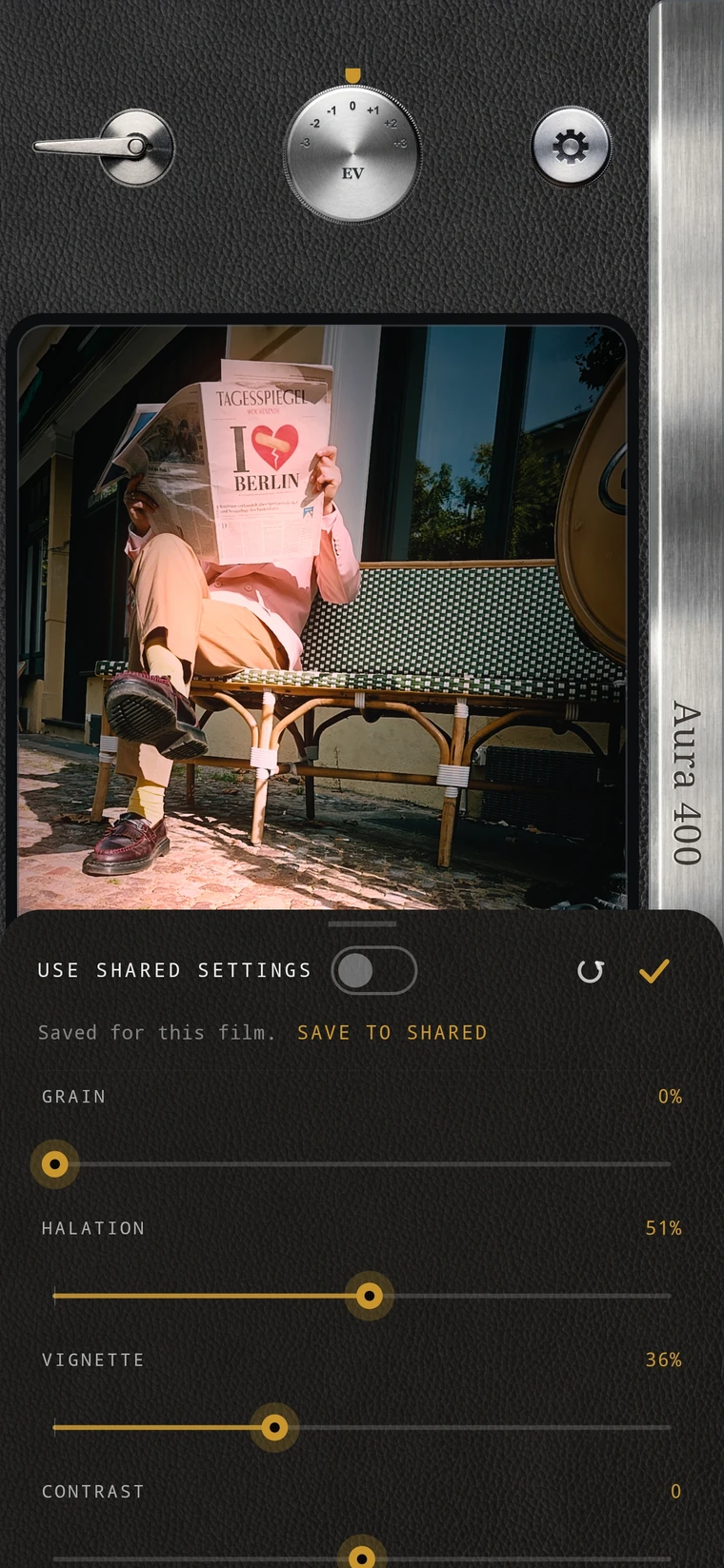
Halation, grain and vignette—remembered for each film.
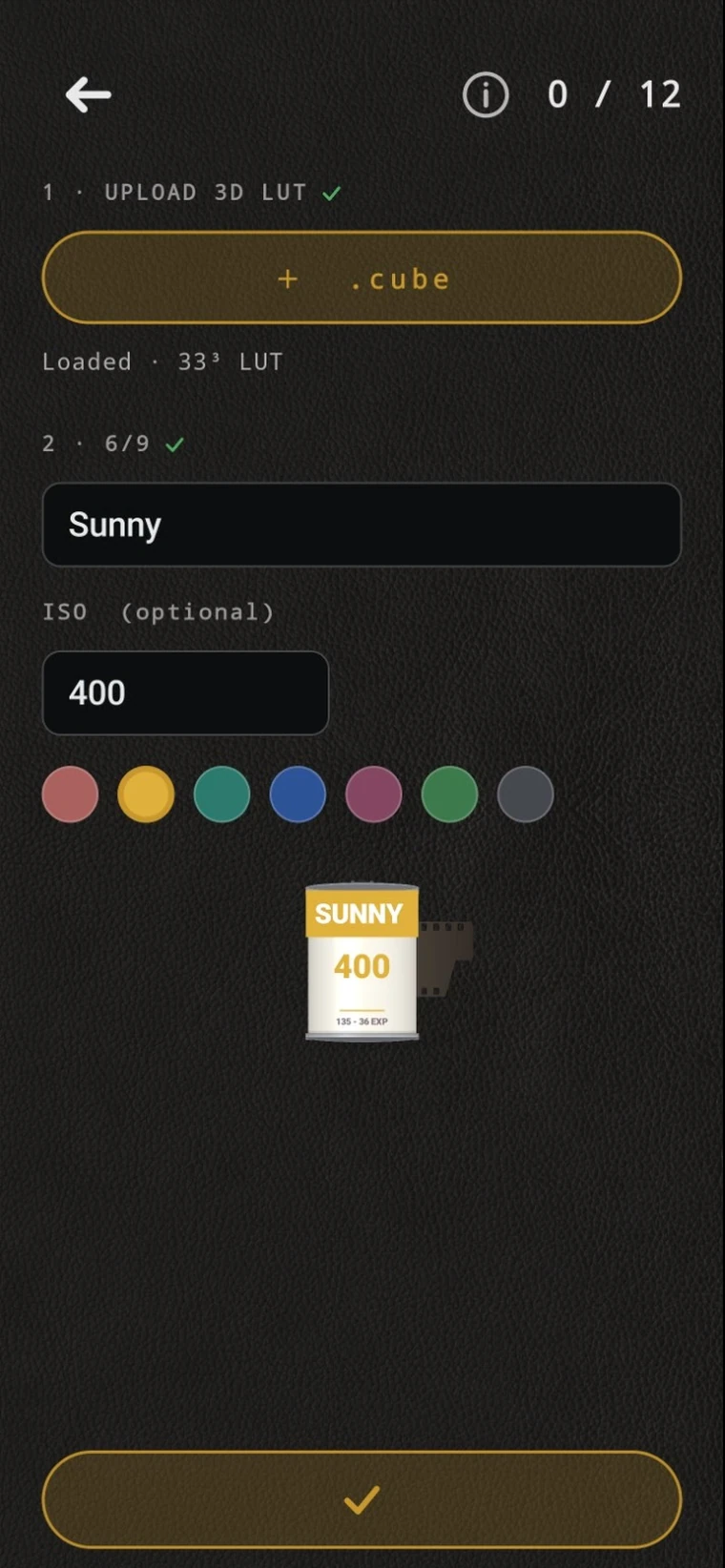
Import up to 12 .cube files and name them. They sit on the shelf beside ours.
Import a photo or RAW file and try every film on it.
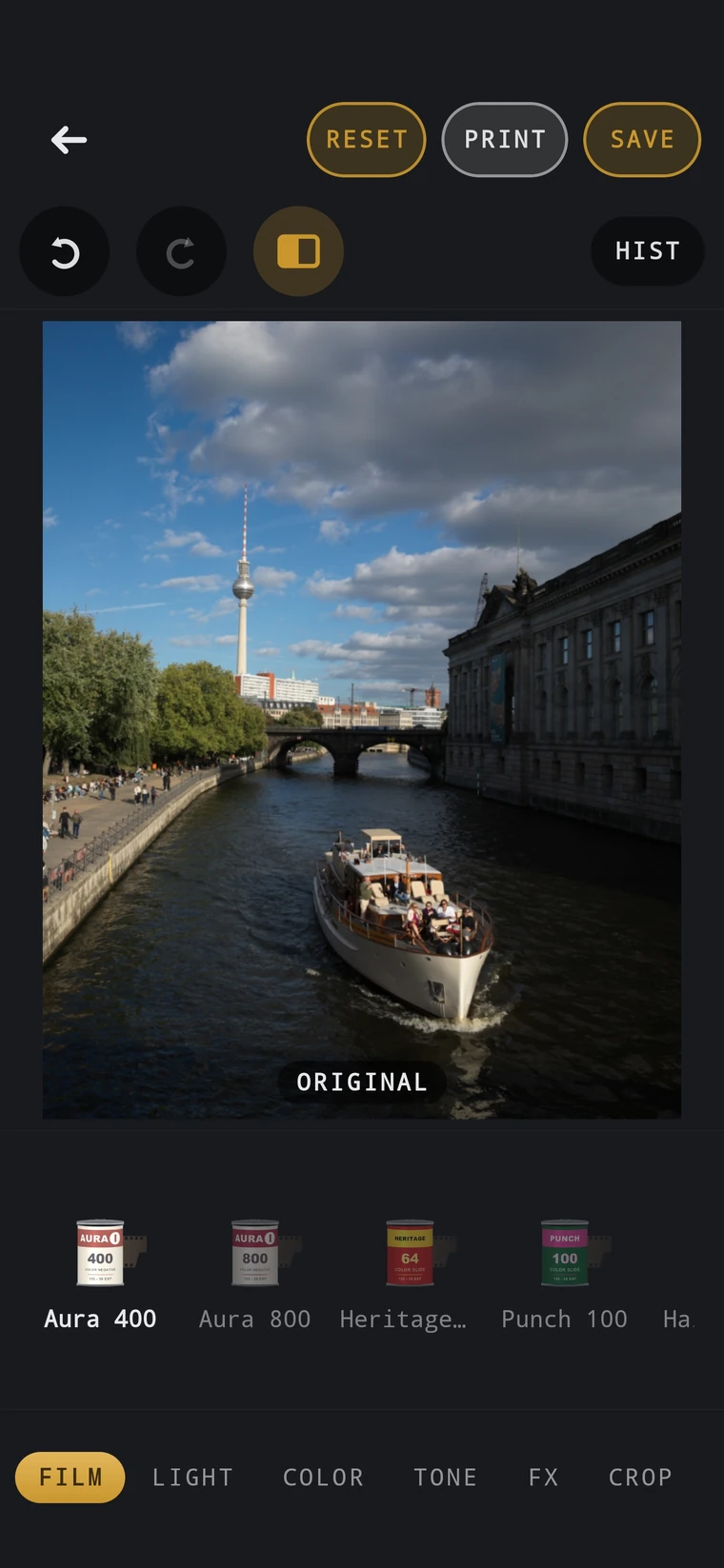
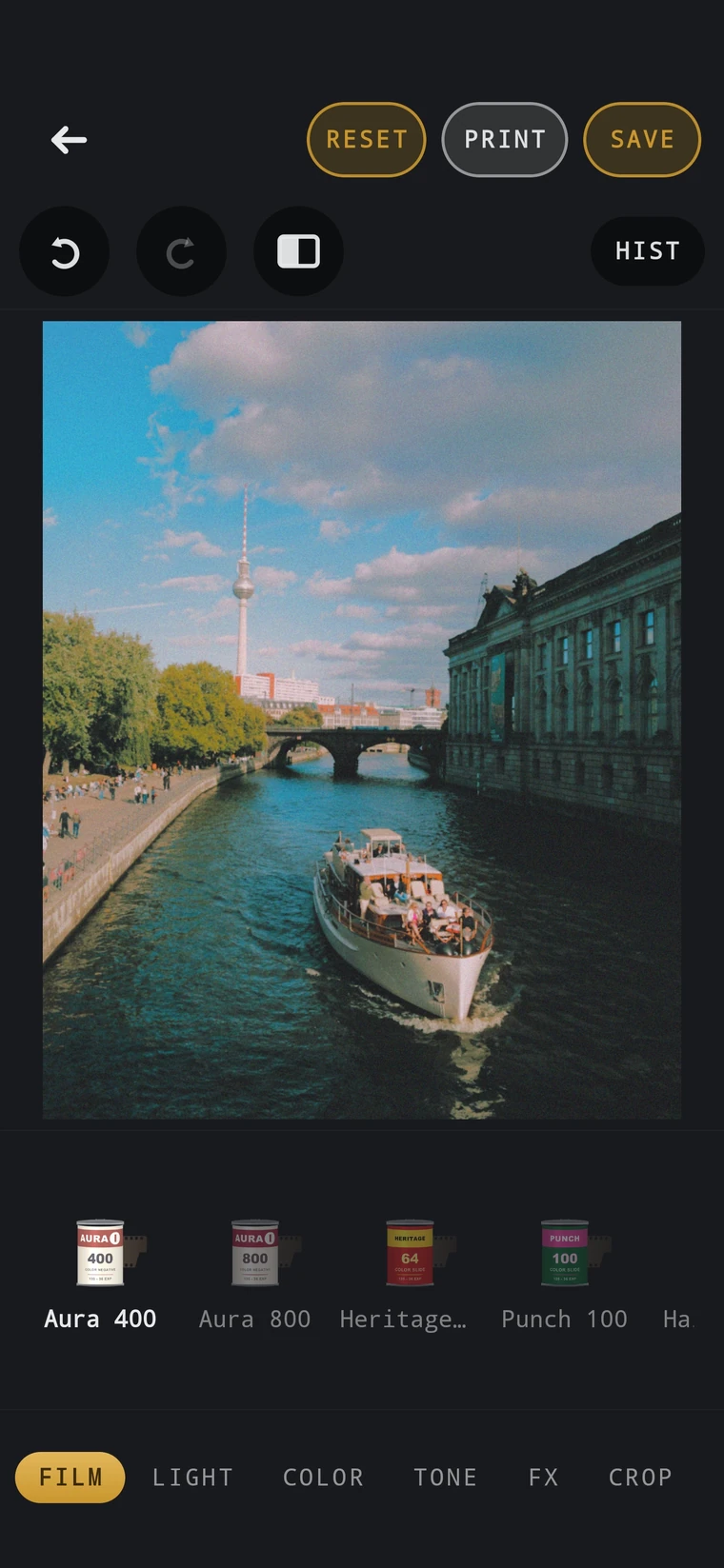
Switch films, then fine-tune light, colour and tone.
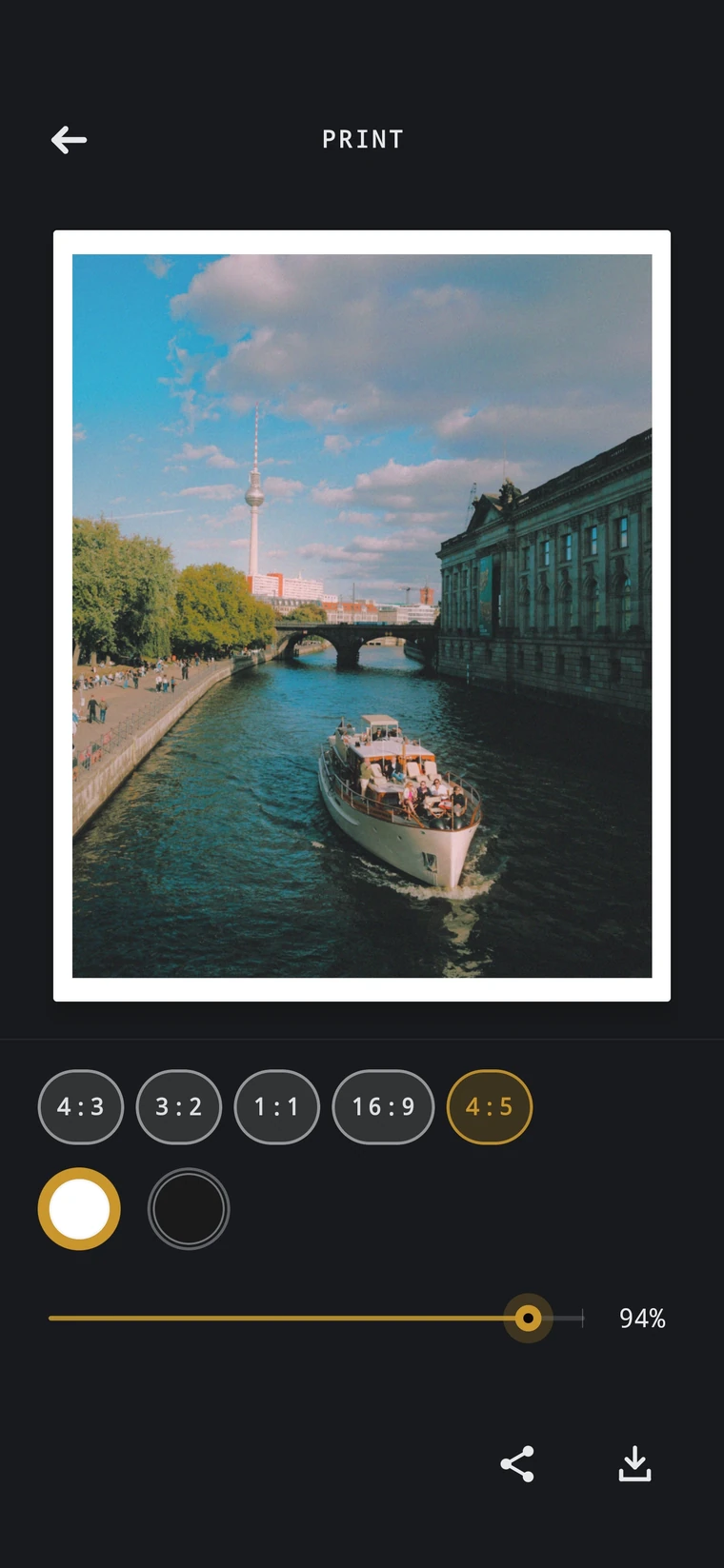
Pick a format, add a paper border, share.
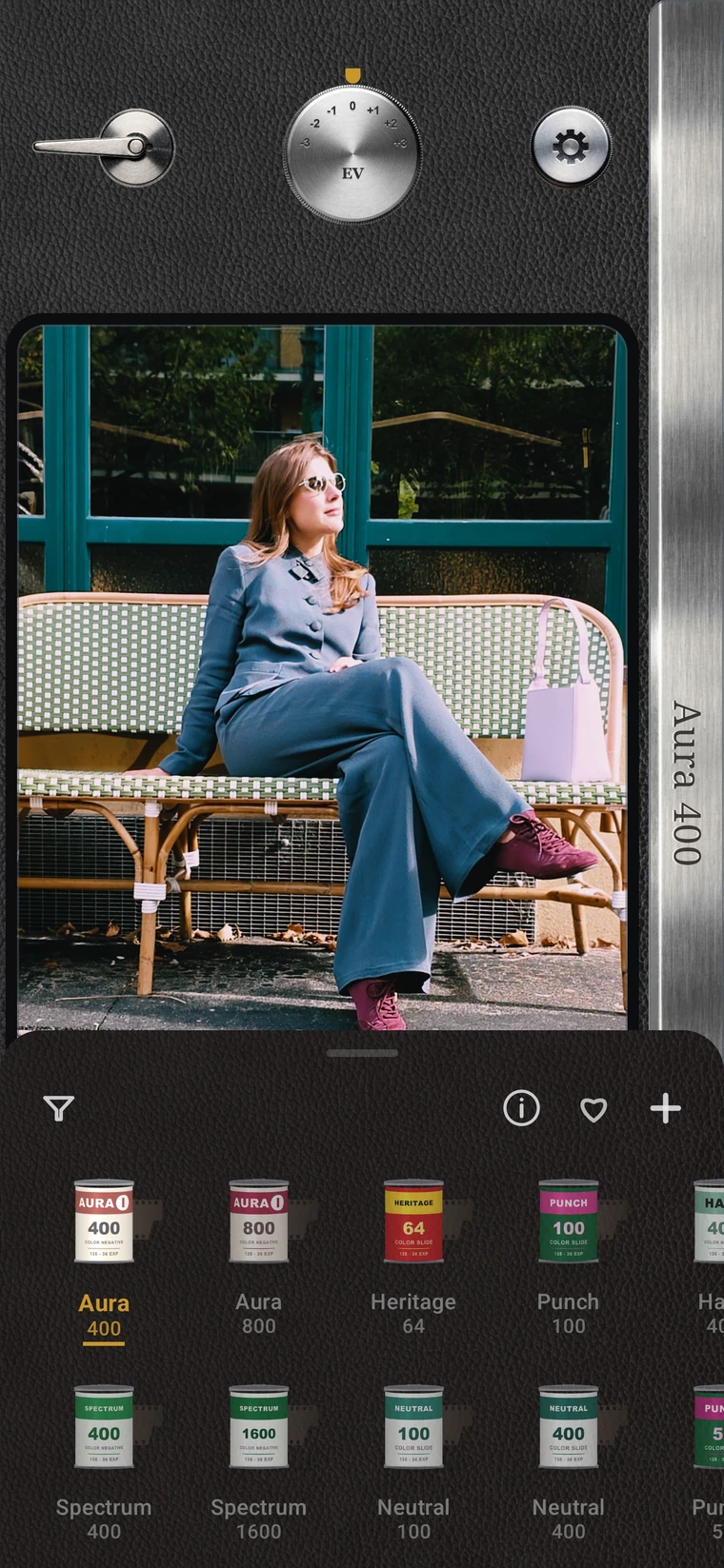
Swipe the shelf and tap a film. Same photo, a different mood each time.
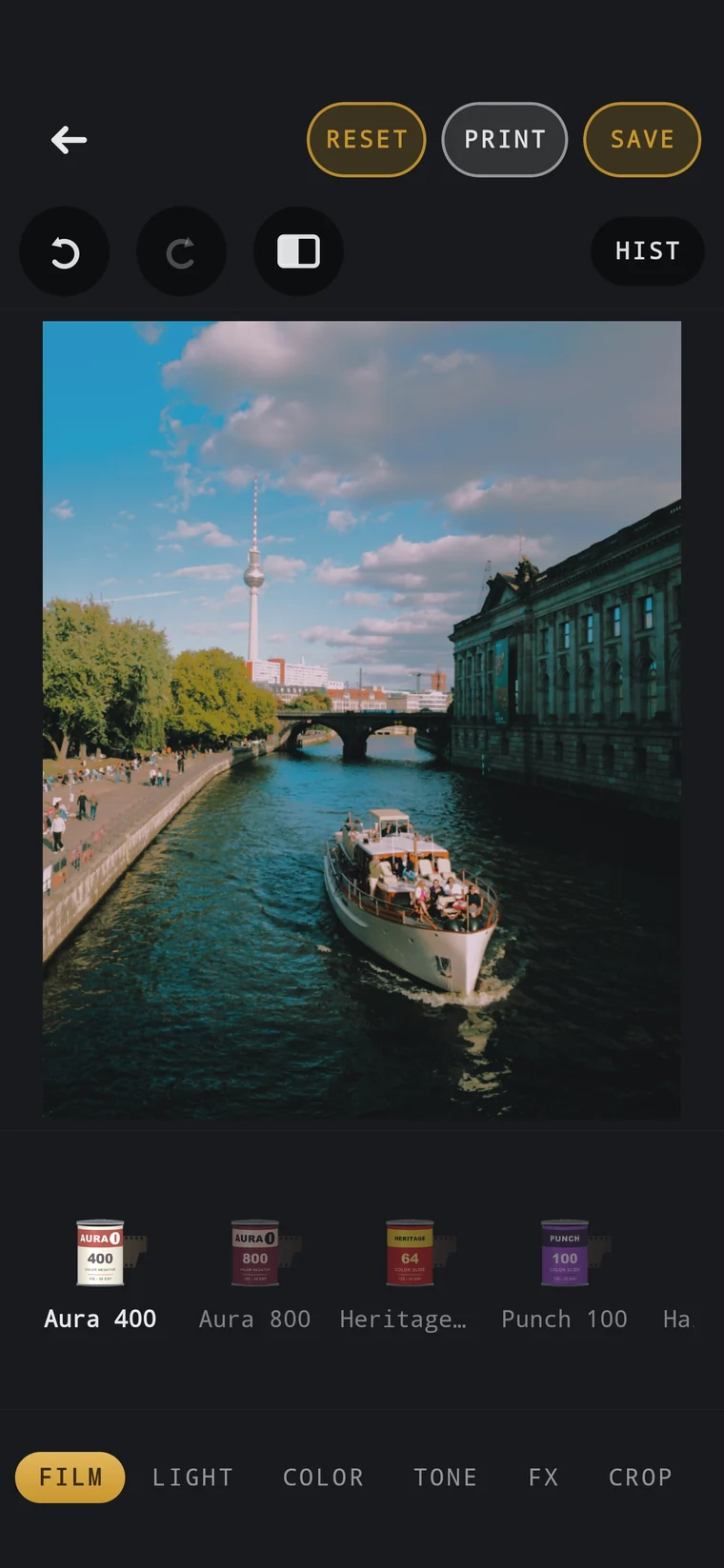
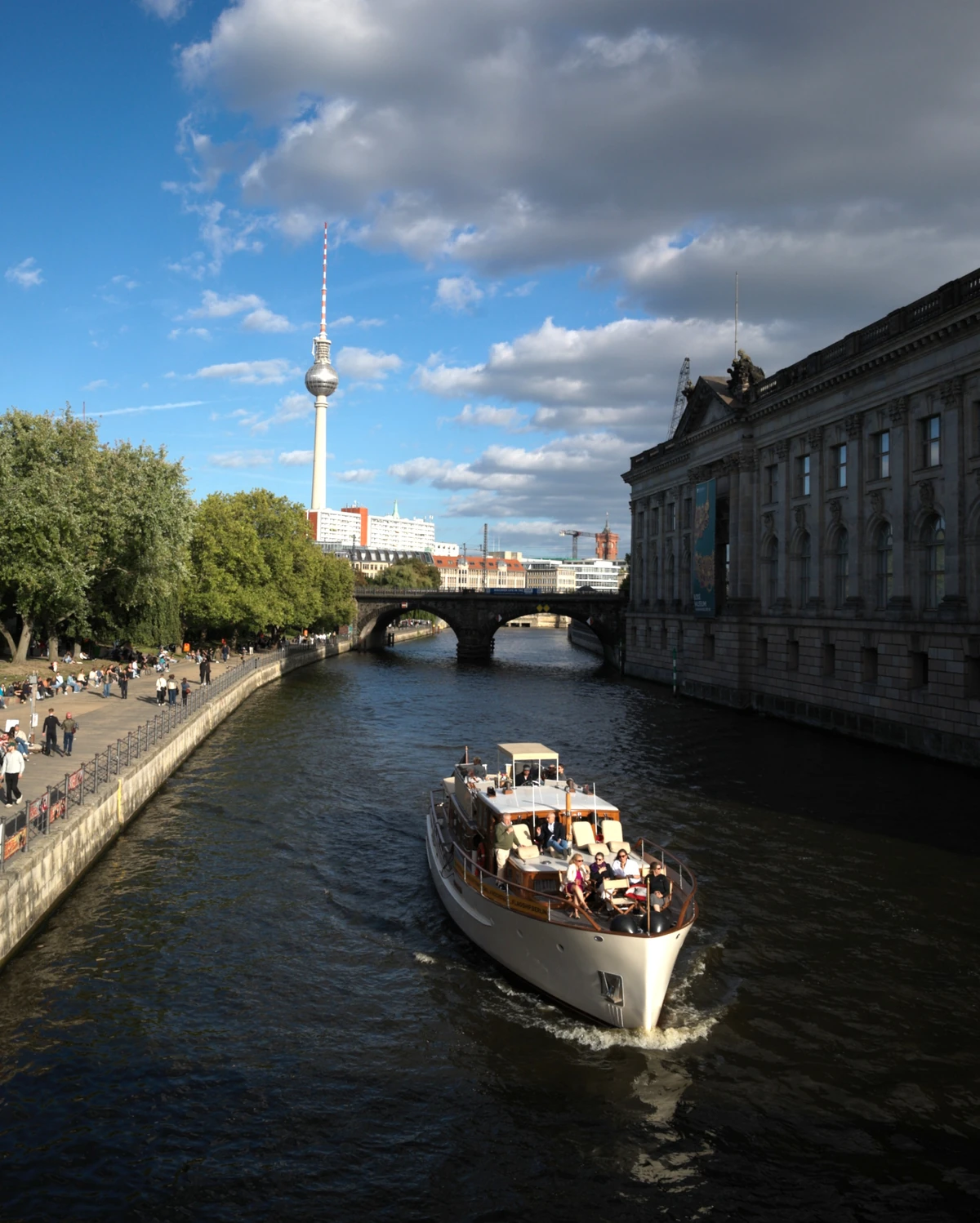
Every look is developed in Emulsion Lab, our own colour laboratory, through a defined multi-stage process—then judged by eye on real photographs before it ships.
Each look is developed in six stages, then checked against a colour chart beside the original.
We compare every look side by side on real photographs, refining it until it feels right.
We tune the balance until the photograph feels right—not just the chart.
Every look we develop is kept, compared and refined alongside the rest of the collection.
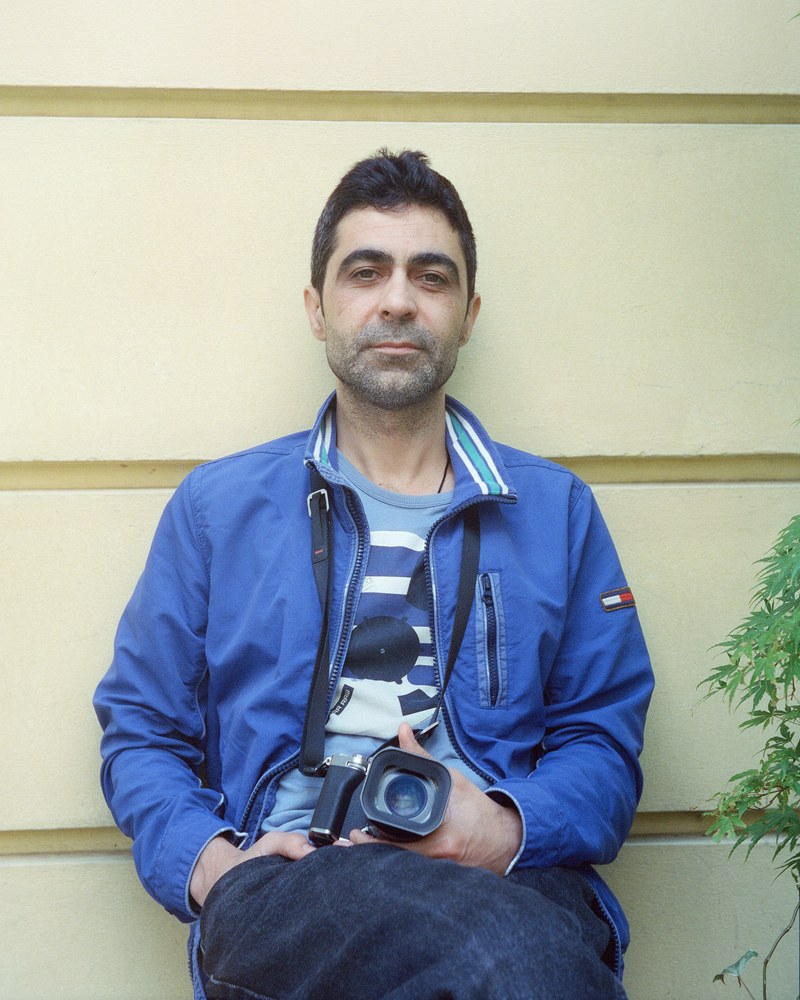
Photographer’s eye.
Engineer’s curiosity.
An award-winning street photographer with 20 years in software engineering. His university thesis was on image processing. Emulsion Cam is the camera he wanted in his own pocket.
iPhone with iOS 26 or newer, and Android 9 or newer on any phone with a camera. Everything runs on the phone itself.
Yes. Get Emulsion Cam on the App Store; it runs on iOS 26 or newer.
No internet, no account. The Android app has no internet permission at all, and the iPhone app has no networking code of its own, so your photographs stay on your phone until you choose to share them.
Yes. Add up to 12 custom film looks from .cube files. Give each a name and colour, and they appear on the film shelf beside the built-in collection.
Adjust halation, vignette, grain, white balance, contrast, highlights, shadows and more. Your adjustments are remembered per film—including custom films—or shared across the whole collection.
Import a photograph, choose a film, then refine light, colour, tone and effects. Crop, compare, save and share from the same editor.
RAW support depends on the file and your phone. Some files open through their embedded JPEG preview when full RAW decoding isn’t available.
Turn on Original in camera settings to keep an unfiltered copy alongside your film-look capture. It stays inside the app for later edits, uses extra storage and is removed if you uninstall.
Composition grid, aspect ratio, shutter sound, flash and camera skins. Lens labels can show full-frame-equivalent focal lengths instead of zoom ratios; the lens itself stays the same.